
ACEMAGIC RAM Upgrade: Which Mini PCs Can Take More Memory, and How Much
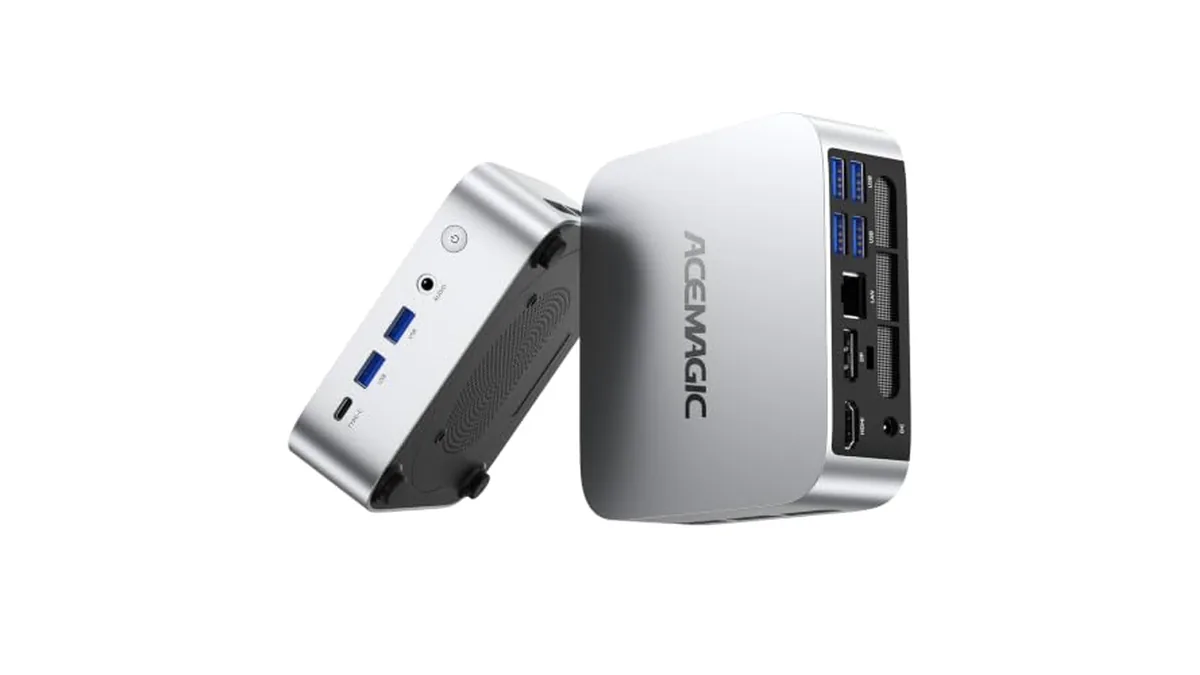
Whether you can add memory to an ACEMAGIC mini PC depends entirely on the model. Some have two SO-DIMM slots with room to grow, one has a single slot that its 16GB version already fills, and some have memory soldered to the board for good. Here's how ACEMAGIC's own spec sheets sort the models we carry.
Three kinds of ACEMAGIC memory
Upgradeable: two SO-DIMM slots
- ACEMAGIC K1 with Ryzen R2544: two DDR4 SO-DIMM slots, up to 32GB of DDR4-3200. It comes with 8GB or 16GB, so both versions have headroom.
- ACEMAGIC M5 with Core i7-14650HX: two DDR4 SO-DIMM slots, up to 64GB of DDR4-3200. Our linked version has 16GB, a quarter of the maximum.
Upgradeable on paper, but already full
- ACEMAGIC V1 with Intel N150: a single DDR4 SO-DIMM slot, up to 16GB. The 16GB version we link to already fills it, so there's nothing to add. An 8GB V1 could go to 16GB.
Soldered: what you buy is what you keep
- ACEMAGIC M1 with Ryzen 7 7735HS: 24GB of LPDDR5-5500, which ACEMAGIC states is non-expandable.
- ACEMAGIC X3 with Ryzen 7 H 255: 16GB of LPDDR5 at 6,400 MT/s, soldered to the board.
On these two, choose the memory you'll need for the life of the PC. The X3's Radeon 780M graphics also borrow from that 16GB when gaming.
Model-by-model
| Model (our version) | Ships with | Slots | Maximum | Upgrade room |
|---|---|---|---|---|
| K1, Ryzen R2544, 8GB | 8GB DDR4 | 2x SO-DIMM | 32GB DDR4-3200 | Up to 24GB more |
| K1, Ryzen R2544, 16GB | 16GB DDR4 | 2x SO-DIMM | 32GB DDR4-3200 | Up to 16GB more |
| M5, Core i7-14650HX | 16GB DDR4 | 2x SO-DIMM | 64GB DDR4-3200 | Up to 48GB more |
| V1, Intel N150 | 16GB DDR4 | 1x SO-DIMM | 16GB | None, already full |
| M1, Ryzen 7 7735HS | 24GB LPDDR5 | Soldered | 24GB | None |
| X3, Ryzen 7 H 255 | 16GB LPDDR5 | Soldered | 16GB | None |
Models where ACEMAGIC hasn't published the layout
For these versions, ACEMAGIC's spec pages don't give the slot count or maximum, so don't order memory until you've confirmed it:
- K1 with Ryzen 3 7330U, Ryzen 7 7730U or Ryzen 7 7735HS
- M5 with Core 5 220H
- ACEMAGIC Mini PC with Core i7-14650HX or Ryzen 7 6800H
- V1 with Intel N97. Its product page describes two SO-DIMM slots up to 64GB, which doesn't match ACEMAGIC's single-slot V1 spec sheet, written for the N150 and N95 versions. Treat it as unconfirmed until ACEMAGIC clears it up.
A memory shopping checklist
- Match the type. The K1, M5 and V1 slots take DDR4 SO-DIMM laptop-size modules, not desktop DIMMs and not DDR5.
- Match the speed ceiling. ACEMAGIC lists DDR4-3200 as the maximum for these slots. Faster modules usually run at the slot's speed.
- Think in pairs on two-slot models. ACEMAGIC's M5 spec sheet lists its memory as two matching modules running in dual channel. Replacing both with a matched pair is the cleanest way to reach 32GB on the K1 or 64GB on the M5.
- Stay within the maximum: 32GB on the R2544 K1, 64GB on the i7-14650HX M5, 16GB on the V1.
- Power down and unplug before opening the case, and check ACEMAGIC's support pages or contact its support team if you're unsure how your model opens.
Storage is a separate question. Even the soldered-memory ACEMAGIC M1 has two M.2 slots, so it can take a second SSD. Our ACEMAGIC M1 SSD upgrade guide covers which drives fit. For the full range, see ACEMAGIC Everyday Mini PCs and ACEMAGIC Performance Mini PCs.