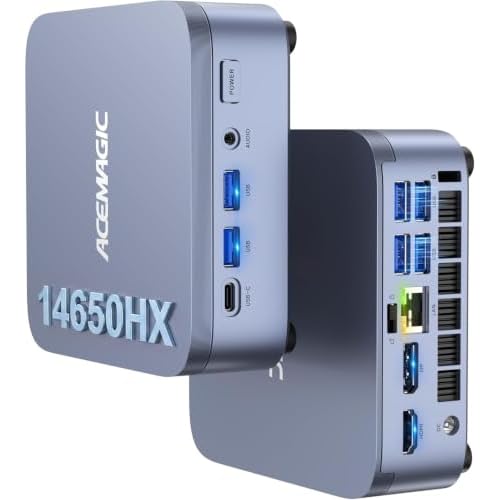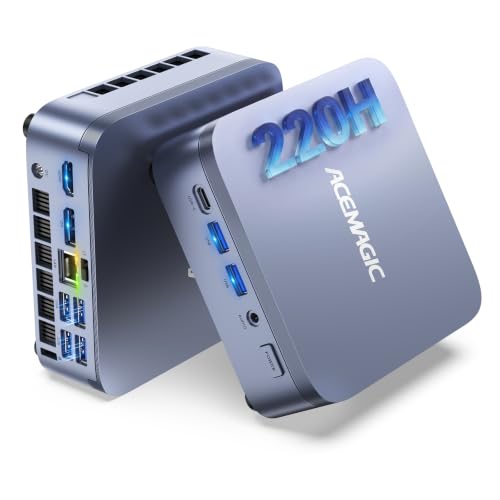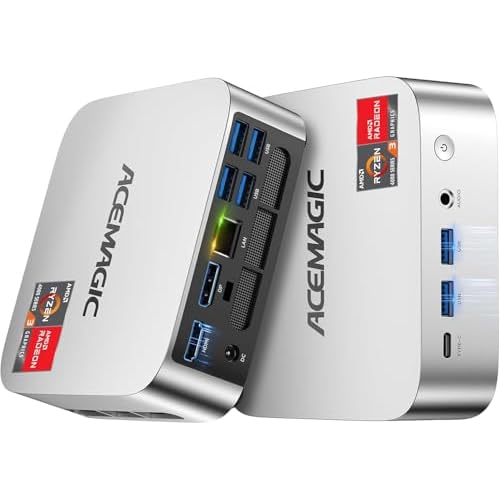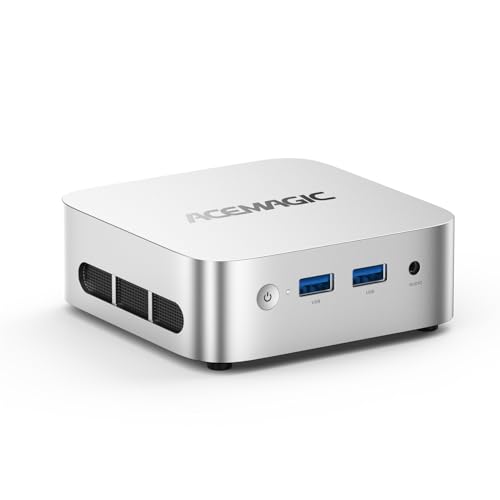
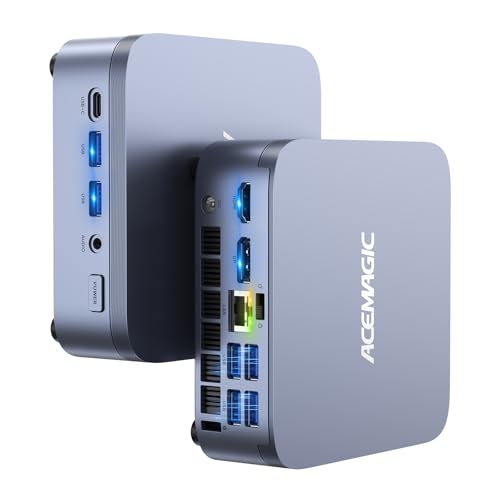
The M5 puts an HX-class laptop processor into a 128 mm desktop box. Intel's Core i7-14650HX has sixteen cores, twenty-four threads and a 5.2 GHz boost, the most CPU power in the ACEMAGIC range. This configuration ships with 16 GB of DDR4 in upgradable SO-DIMM slots, a 1 TB PCIe 4.0 SSD, a second M.2 slot and Wi-Fi 6E.
Key specs
- Processor: Intel Core i7-14650HX, 16 cores (8 performance + 8 efficient) / 24 threads, 2.2 GHz base, up to 5.2 GHz, 30 MB cache
- Graphics: Intel UHD graphics, 16 execution units, up to 1.6 GHz
- Memory: 16 GB DDR4-3200; two SO-DIMM slots, up to 64 GB
- Storage: 1 TB PCIe 4.0 x4 NVMe SSD; second M.2 slot (SATA or NVMe PCIe 3.0 x4); up to 2 TB per slot, 4 TB total
- Displays: HDMI 2.0, DisplayPort 1.4, USB-C 10 Gbps with DisplayPort 1.4, each up to 4K 60 Hz
- Ports: two USB-A 10 Gbps front, four USB-A 5 Gbps rear
- Network: Gigabit Ethernet, Wi-Fi 6E, Bluetooth 5.2
- Size: 128 × 128 × 41.3 mm
- Power: 19 V / 6.32 A adapter
- System: Windows 11 Pro
A CPU-first machine
Sixteen cores and twenty-four threads make the M5 the pick for work that scales across cores: compiling software, rendering, encoding video on the CPU, running several virtual machines, or crunching data. The eight performance cores also boost to 5.2 GHz, so single-threaded tasks feel fast. Note the larger 19 V / 6.32 A power adapter compared with the M1, which reflects the higher power budget.
The graphics trade-off
This is the important caveat. The i7-14650HX has basic Intel UHD graphics with sixteen execution units. It drives three 4K screens without trouble and handles video playback, but it's much weaker for games and GPU-accelerated editing than the Radeon 680M in the M1 or the Radeon 780M in the X3. Choose the M5 for processor power, not graphics.
Room to grow
The M5 is the most upgradable model in the range. The 16 GB in this configuration sits in two SO-DIMM slots that accept up to 64 GB of DDR4-3200. ACEMAGIC also sells the M5 with 32 GB. Storage starts with a fast PCIe 4.0 drive, and the second slot takes either SATA or NVMe.
Ports and wireless
Wi-Fi 6E adds the 6 GHz band, which helps in crowded apartments if your router supports it. The 10 Gbps USB-A ports on the front suit fast external SSDs. Wired networking is Gigabit; if you need 2.5 Gbps, the M1 and X3 have it.
Who should pick this one
- Developers, data analysts and engineers who need many CPU cores
- Home-lab users running several virtual machines who want 64 GB headroom
- Office power users with three monitors
Not for gaming. For that, see the X3.
Related
- ACEMAGIC Mini PC with Core i7-14650HX: the same chip sold as a "Mini Gaming PC"
- ACEMAGIC M5 with Core 5 220H
- ACEMAGIC M5 overview
Questions
Can I upgrade to 32GB or 64GB? Yes. Two SO-DIMM slots support up to 64 GB of DDR4-3200.
Is it good for gaming? Its integrated Intel UHD graphics are basic. It's built for CPU work.
Does it support Linux? ACEMAGIC states Ubuntu and Linux compatibility; it ships with Windows 11 Pro.