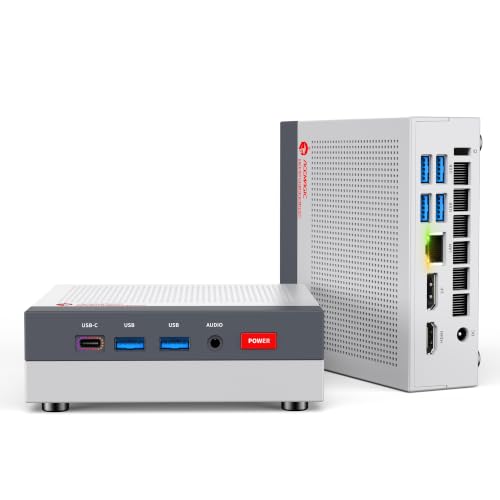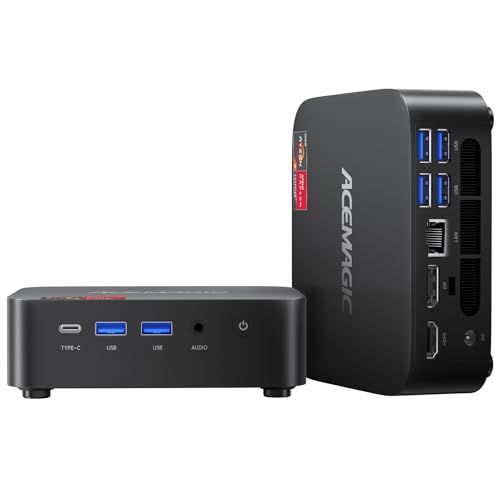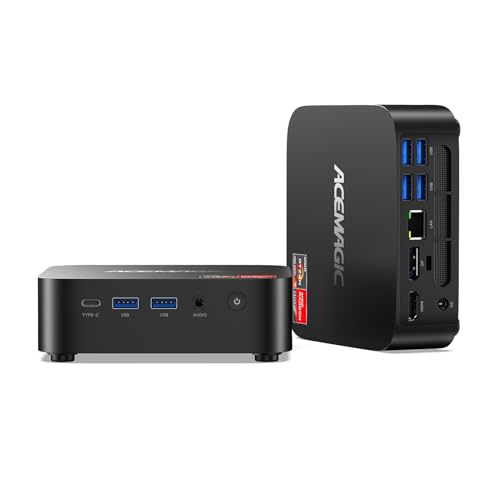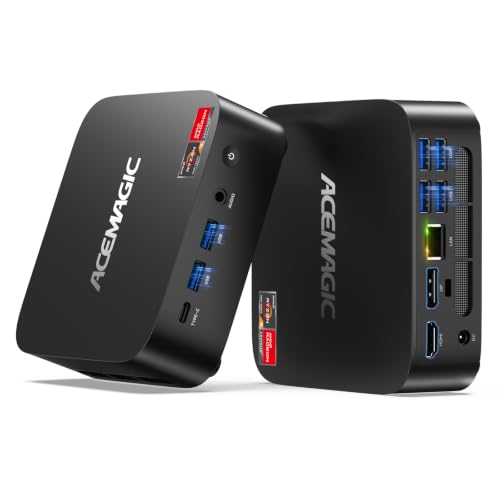
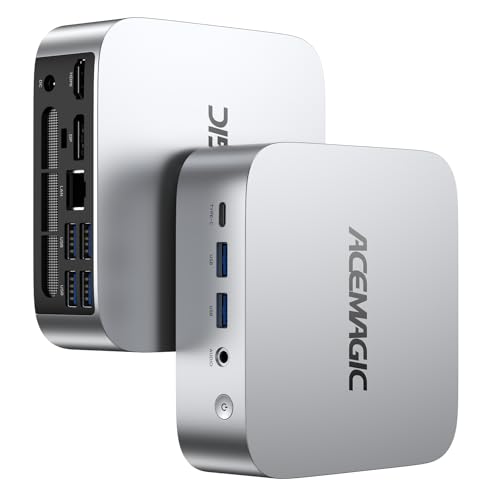
This is the lowest-memory V1: AMD's Ryzen 5 3500U with 8 GB of DDR4 and a 256 GB SSD. It's built for one clear role at a time: a kiosk, a reception PC, a TV box for streaming, a simple office desktop or a child's homework machine. If you need more headroom, the 16 GB version of the same machine is the one to choose.
Key specs
- Processor: AMD Ryzen 5 3500U, 4 cores / 8 threads, 2.1 GHz base, up to 3.7 GHz, 4 MB L3 cache, 15 W default power
- Graphics: AMD Radeon Vega 8, up to 1,200 MHz
- Memory: 8 GB DDR4
- Storage: 256 GB SSD
- Series: ACEMAGIC V1
What 8GB means in practice
Eight gigabytes runs Windows with a browser, email and an Office app at the same time. It starts to feel tight when you open many browser tabs, run video calls next to large documents, or keep several heavy apps open. On integrated graphics, part of the memory is also set aside for video, which leaves a bit less for apps. For a single-purpose machine, 8 GB is workable. For a general home PC used by the whole family, 16 GB is the more comfortable amount.
The processor
The 3500U is a Zen+ laptop chip with four cores and eight threads, boosting to 3.7 GHz. Eight threads help it juggle background tasks better than four-thread Intel N-series chips. Radeon Vega 8 graphics handle 4K video playback, light photo editing and older games at low settings.
Storage
The 256 GB SSD holds Windows, apps and documents. Keep large libraries on cloud storage or an external USB drive. ACEMAGIC hasn't published whether this V1 version has a spare storage slot or a memory slot free for upgrades; check the product page before you buy parts.
Good uses
- Digital signage, kiosks and reception desks
- A living-room streaming and browsing PC
- A first PC for a younger student
- A backup office machine
When to choose another version
If you'll use it as an everyday family computer, choose the V1 Ryzen 5 3500U with 16GB. If you want a newer, lower-power chip with a bigger drive, the V1 Intel N150 with 16GB and 512GB is the stronger all-round pick. If you want room to upgrade memory and storage yourself, the K1 R2544 with 8GB has two memory slots and two M.2 slots.
Setting it up
Use a wired keyboard and mouse for the first boot, connect your main screen before powering on, and run Windows Update once before installing your own apps. For a kiosk or signage role, set Windows to never sleep and check the BIOS for a power-on-after-outage option; see our ACEMAGIC BIOS key guide.
Before you order
Confirm the product page shows the Ryzen 5 3500U with 8 GB and 256 GB, and check the ports and wireless standard for this version.
Other V1 versions
Questions
Is 8GB enough for Windows 11? For one or two tasks at a time, yes. For heavier multitasking, choose 16 GB.
What can the Vega 8 graphics do? 4K video playback, light photo editing and older games at low settings.
Is this the cheapest ACEMAGIC? It's among the lowest-specification models in the range, alongside the K1 R2544 with 8 GB.