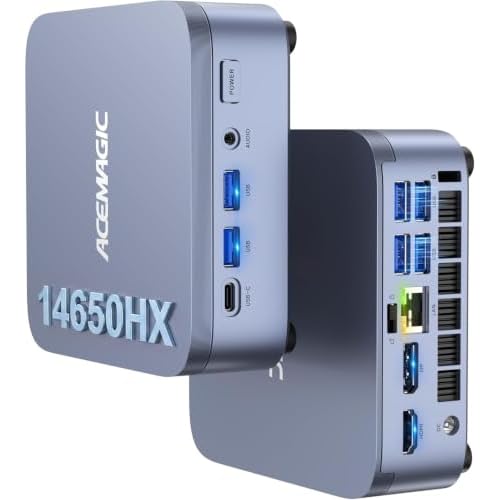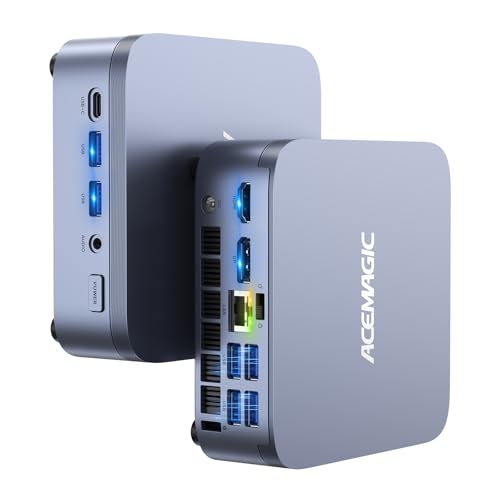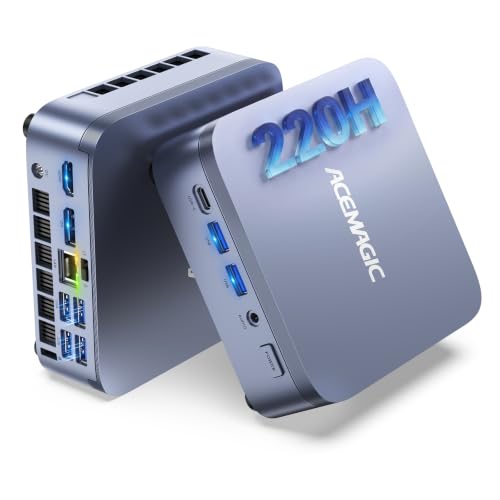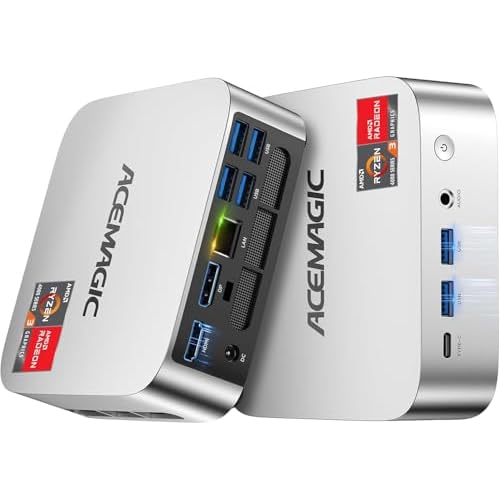
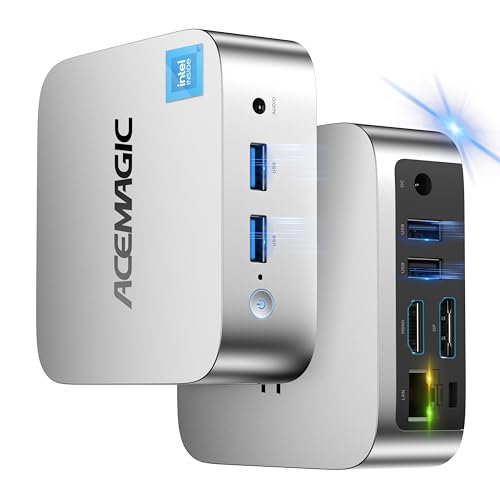
This V1 uses Intel's N97 with 16 GB of DDR4 and a 1 TB SSD. ACEMAGIC lists dual 4K display support, Wi-Fi and Bluetooth, and pitches it at business and home-office use. The draw here is storage: a full terabyte in a tiny desktop, which is double the drive in the N150 version.
Key specs
- Processor: Intel Processor N97, 4 cores / 4 threads, up to 3.6 GHz, 6 MB cache, 12 W base power
- Graphics: Intel UHD Graphics, 24 execution units, up to 1.2 GHz
- Memory: 16 GB DDR4
- Storage: 1 TB SSD
- Displays: dual 4K
- Wireless: Wi-Fi and Bluetooth
- Series: ACEMAGIC V1
N97 or N150?
Both chips are four-core, four-thread Intel processors from the same low-power family, and both boost to 3.6 GHz with 6 MB of cache. The N97 has a 12 W base power, and Intel lists its graphics at up to 1.2 GHz. The N150 is the newer Twin Lake chip; ACEMAGIC lists its graphics at up to 1.0 GHz. For everyday tasks (browsing, documents, calls, streaming) the two perform in the same class. The deciding factor between the two V1 versions is usually storage: 1 TB here against 512 GB in the V1 N150.
What it's good at
Office documents, web apps, email, video meetings and 4K playback are all comfortable. Two 4K screens make spreadsheets and research easier. It also suits always-on jobs such as a family file server, a media library or a home-automation hub, where low power matters and the 1 TB drive gives room for files. It isn't built for editing video or playing modern games.
Memory and storage
Sixteen gigabytes is plenty for this class of processor and lets Windows keep more open without slowing. The 1 TB SSD covers documents, photos and a decent music or video library without an external drive.
ACEMAGIC's published V1 spec sheet (single SO-DIMM slot up to 16 GB, one M.2 slot) was written for the N150 version. Check the product page for the N97 version's memory and storage layout, as well as the exact ports and Wi-Fi standard, before planning any change.
Setting it up
A small PC like this works best with a wired keyboard and mouse on the first boot, since Bluetooth pairing happens inside Windows. Connect your main monitor before powering on, sign in, and let Windows Update run once before you install your own software. If you plan to use it as an always-on server, set the power plan so the PC never sleeps and check whether the BIOS offers a restore-on-power-loss option. Our ACEMAGIC BIOS key guide covers how to reach those settings.
Who should pick this one
- Small businesses that want a compact Windows PC for front-desk or office tasks
- Home users who want 1 TB of local storage in a tiny box
- Anyone setting up a low-power media or file server
Before you order
Confirm the product page shows the N97 with 16 GB and 1 TB, and check the port list for this version.
Other V1 versions
Questions
Is the N97 slower than the N150? They're in the same performance class: four cores, four threads, 3.6 GHz boost and 6 MB cache.
Can it run two monitors? ACEMAGIC lists dual 4K display support.
Is 1TB enough? For most home and office users, yes, including a good-sized photo and music library.