
ACEMAGIC Power Supply: Which Adapter Each Mini PC Uses, and How to Replace One
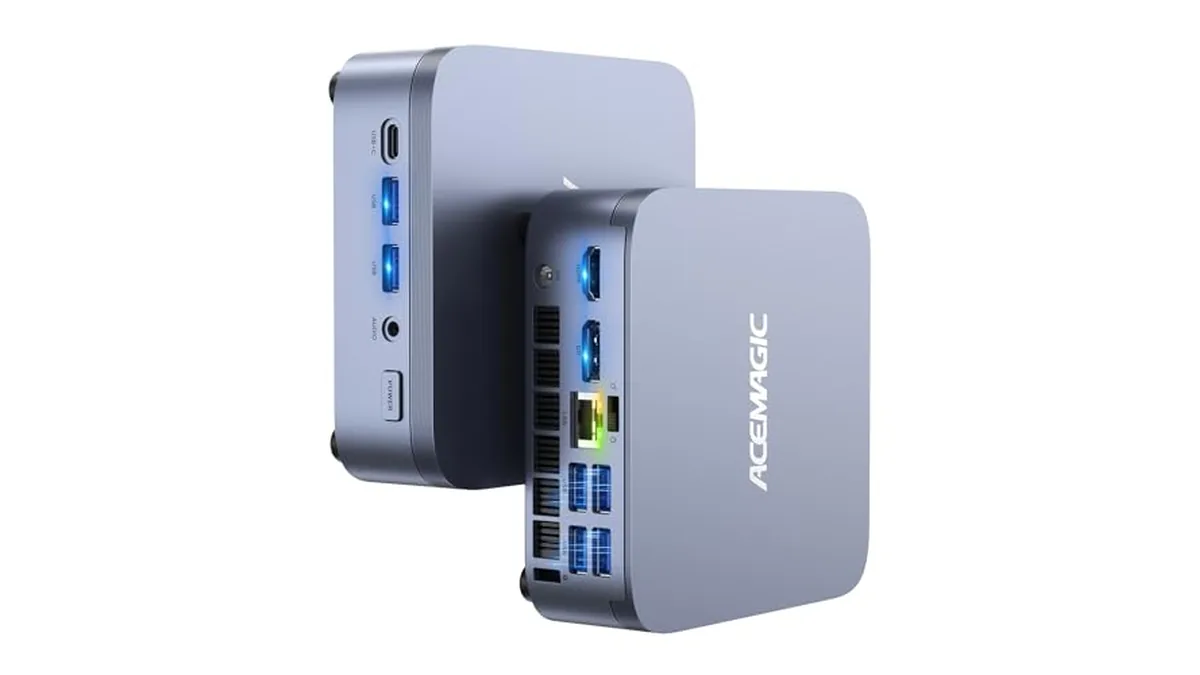
Short answer: ACEMAGIC's adapters aren't all the same. The K1 and M1 share one spec, the M5 needs a much bigger one, and the V1 uses a small 12-volt brick. A replacement has to match the voltage and plug, and supply at least the original current. Here's what ACEMAGIC states for each model.
Adapter specs by model
| Model | Adapter output | Works out to | Plug |
|---|---|---|---|
| K1 (Ryzen R2544) | 19 V / 3.42 A | About 65 W | 5.5 × 2.1 mm DC barrel |
| M1 (Ryzen 7 7735HS) | 19 V / 3.42 A | About 65 W | 5.5 × 2.1 mm DC barrel |
| M5 (Core i7-14650HX) | 19 V / 6.32 A | About 120 W | 5.5 × 2.1 mm DC barrel |
| V1 (Intel N150) | 12 V / 2.5 A | 30 W | 5.5 × 2.1 mm DC barrel |
| X3 (Ryzen 7 H 255) | Not stated in the specs we checked |
ACEMAGIC's in-box lists for the K1 and M1 include the power adapter. The wattages are simple volts-times-amps arithmetic. For the X3, read the label on the adapter that came with it.
How to read your adapter's label
- Find the "Output" line. It gives volts (V) and amps (A), for example 19V ⎓ 3.42A.
- Check the plug size. ACEMAGIC gives 5.5 × 2.1 mm for the K1, M1, M5 and V1, meaning the outer and inner diameters of the barrel.
- Look for the polarity symbol, a small diagram showing which part of the plug is positive. A replacement should show the same diagram.
- Note the model name printed on the PC's base. Several ACEMAGIC models come in more than one processor version, so match the adapter to the exact machine.
Replacing a lost or failed adapter
- Match the voltage exactly. A 19 V PC needs 19 V, and the V1 needs 12 V. Never swap a V1 adapter onto a K1 or the reverse, even though the plugs fit.
- Match or beat the amps. A 19 V / 6.32 A adapter will run a K1 safely, because the PC draws only what it needs. A 19 V / 3.42 A adapter on an M5 is too weak and can cause shutdowns under load.
- Match the plug: 5.5 × 2.1 mm, with the same polarity.
- If you're unsure, contact ACEMAGIC support with the model and processor version.
Why the bricks differ
The adapter follows the processor. The V1's Intel N150 is a low-power chip, so 30 W is plenty, and the small brick suits a PC that's 100 mm square. The K1 and M1 sit in the middle at 65 W. The M5's Core i7-14650HX has 16 cores and 24 threads, so its adapter is rated at roughly 120 W, nearly double the K1's. If you're planning a tidy desk or a mount behind a monitor, leave room for the adapter as well as the PC.
For a model-by-model look at what's inside each machine, start with our K1 vs M1 comparison or the ACEMAGIC review.