
ACEMAGIC Drivers and WiFi Driver: Where to Get Them, Model by Model
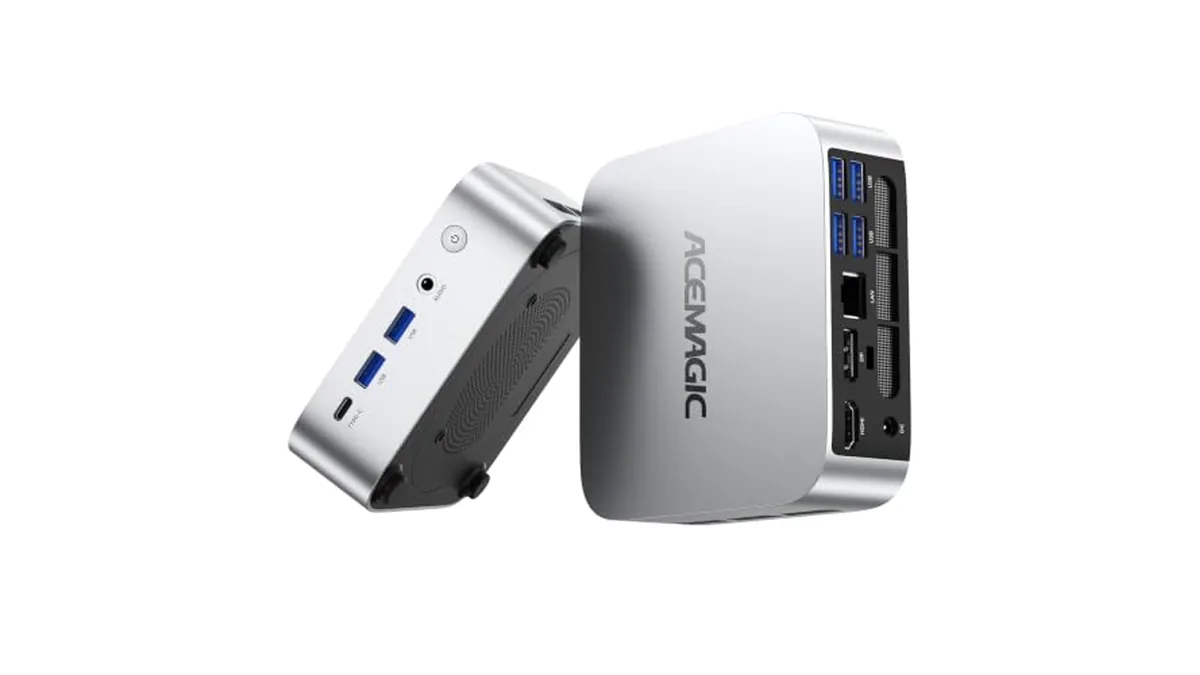
ACEMAGIC mini PCs come with Windows 11 Pro installed, so most owners never need to download a driver. The time you do need drivers is after a clean Windows install, a drive swap, or when WiFi or Bluetooth disappears from the taskbar. ACEMAGIC keeps its packages on a single Drivers & Downloads page. Here's what's there for each model we cover.
When you'll need a driver package
- You installed Windows from scratch, for example on a new SSD.
- WiFi or Bluetooth is missing from Settings, or shows as an unknown device in Device Manager.
- A Windows feature update left a device without its driver.
- ACEMAGIC support asked you to reinstall drivers while troubleshooting.
If everything works, leave it. Windows Update keeps most drivers current on its own.
What ACEMAGIC's page offers for our models
When we checked ACEMAGIC's Drivers & Downloads page on October 18, 2026, it was split into sections: Mini PC Driver, LED-Control Program, Mini PC WiFi/Bluetooth Driver and Laptop Driver. Here's how the models on this site line up.
| Model | Main driver package | Separate WiFi/Bluetooth package |
|---|---|---|
| K1 | None by name | K1 Wifi Driver |
| M1 | M1 Driver | None |
| M5 | M5 Driver | None |
| V1 | V1 Driver | None |
| X3 | None by name | None |
The downloads open as shared files in Google Drive. ACEMAGIC adds packages over time, so check the page for your model name before assuming nothing is there.
WiFi missing on a K1
The K1 is the one model here with its own WiFi/Bluetooth download. It uses Wi-Fi 5 and Bluetooth 4.2. If the wireless adapter is missing after a fresh install, try a wired connection to the Gigabit Ethernet port. If that gets you online, run Windows Update and download the K1 Wifi Driver from ACEMAGIC's page in the same session. If it doesn't, download the package on another computer and copy it over on a USB stick.
WiFi missing on an M1, M5 or V1
For these three, ACEMAGIC bundles the drivers into the model's main package and doesn't offer a separate WiFi download. Download the M1, M5 or V1 Driver over Ethernet or by USB stick, as above, and install it.
On an X3, or any model without a named package
Run Windows Update over Ethernet first. Optional driver updates appear under Advanced options. If the wireless adapter still doesn't show up, contact ACEMAGIC support with your model and processor, for example "X3, Ryzen 7 H 255". Don't install a package named for a different ACEMAGIC machine.
A few cautions
- Match the package to your exact model. Several ACEMAGIC models share a name across different processors. The K1 alone comes with Ryzen R2544, Ryzen 7 7735HS and other chips, and ACEMAGIC also sells an Intel Core i9 version of the M1. Confirm yours in Settings > System > About.
- The page also lists lighting-control programs. Those control RGB on models that have it and aren't needed for anything to work.
- On a PC you've already set up, create a restore point before installing a driver package.
Swapping in a new SSD is the usual reason for a clean install. Our guide to the ACEMAGIC BIOS key covers getting into setup to boot from a USB installer.